The short answer: which should you buy?
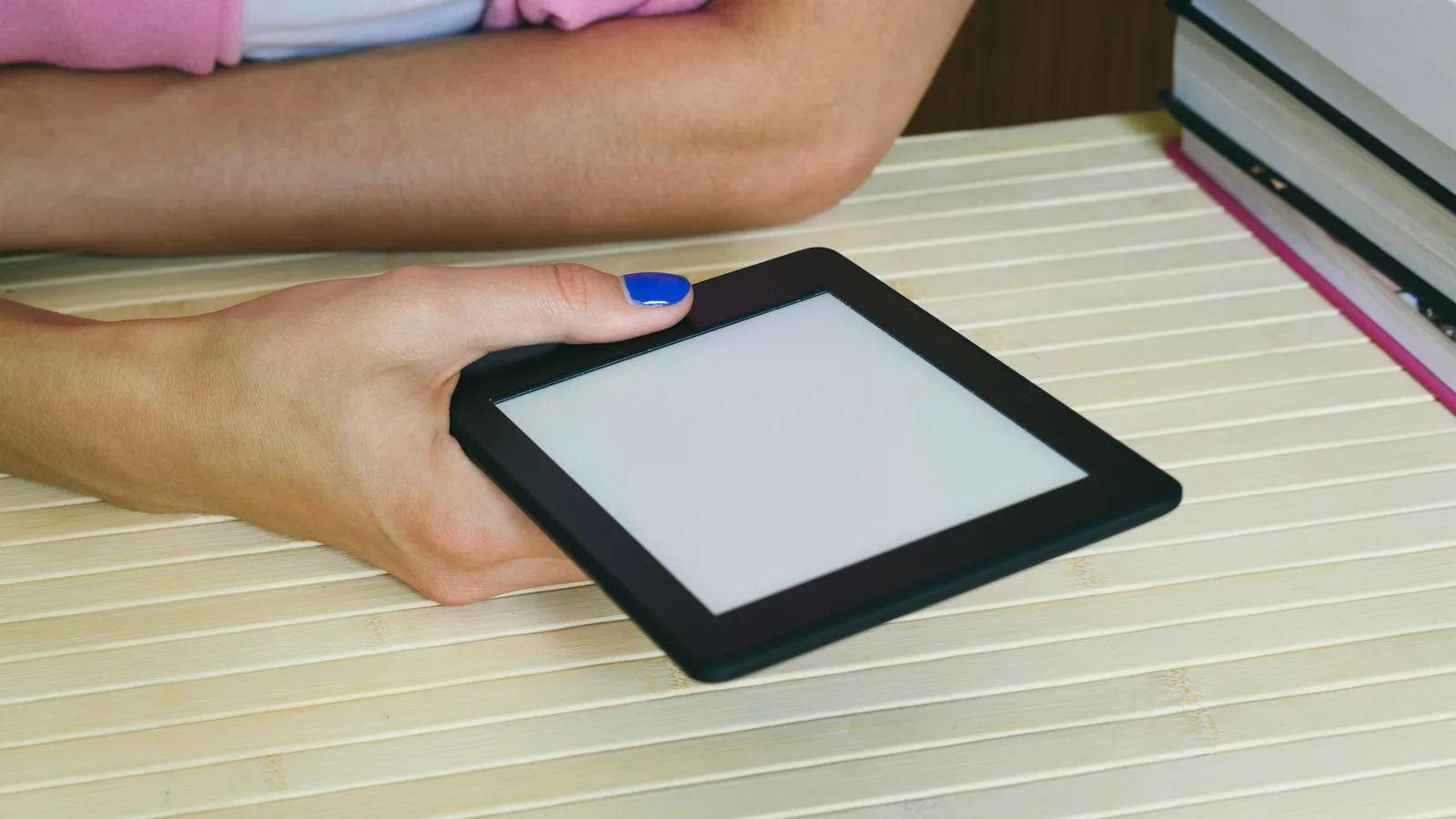
At first glance the reMarkable 2 and Kindle Scribe are chasing the same reader: someone who wants a 10-inch monochrome e-ink screen, a stylus and a battery that lasts for weeks. In practice they are aimed at different desks. The reMarkable 2 is a digital notebook that happens to display documents. The Kindle Scribe is a Kindle that can also take handwritten notes.
If you want one device for books, PDFs and notes, the Kindle Scribe is the safer buy. If handwriting is the main event and you rarely read in the dark, the reMarkable 2 is the more satisfying tool.
Specs and design at a glance
Both use monochrome E Ink, both charge over USB-C and neither runs an app store. The differences are in the details: the Kindle Scribe has a sharper screen and a front light, while the reMarkable 2 is thinner and lighter.
| Feature | reMarkable 2 | Kindle Scribe |
|---|---|---|
| Screen | 10.3-inch monochrome E Ink, 226 ppi | 10.2-inch monochrome E Ink, 300 ppi |
| Front light | No | Yes, adjustable warm light |
| Storage | 8 GB, not expandable | 16 GB, 32 GB or 64 GB depending on model |
| Stylus | Marker, sold separately or in a bundle | Pen included; Premium Pen on current models |
| Reading | PDFs and EPUBs; no Kindle store | Kindle library, PDFs and documents |
| Thickness and weight | 4.7 mm and about 404 g | Thicker and heavier, around 433 g |
| Charging | USB-C | USB-C |
| Apps and browser | No app store or web browser | No app store or web browser |
The spec sheet clearly favours the Kindle Scribe for reading: a sharper 300 ppi panel, a built-in light and direct access to Amazon's book store. The reMarkable 2 replies with a thinner chassis and a display designed around pen input rather than page turns.
Writing feel and note-taking: winner reMarkable 2
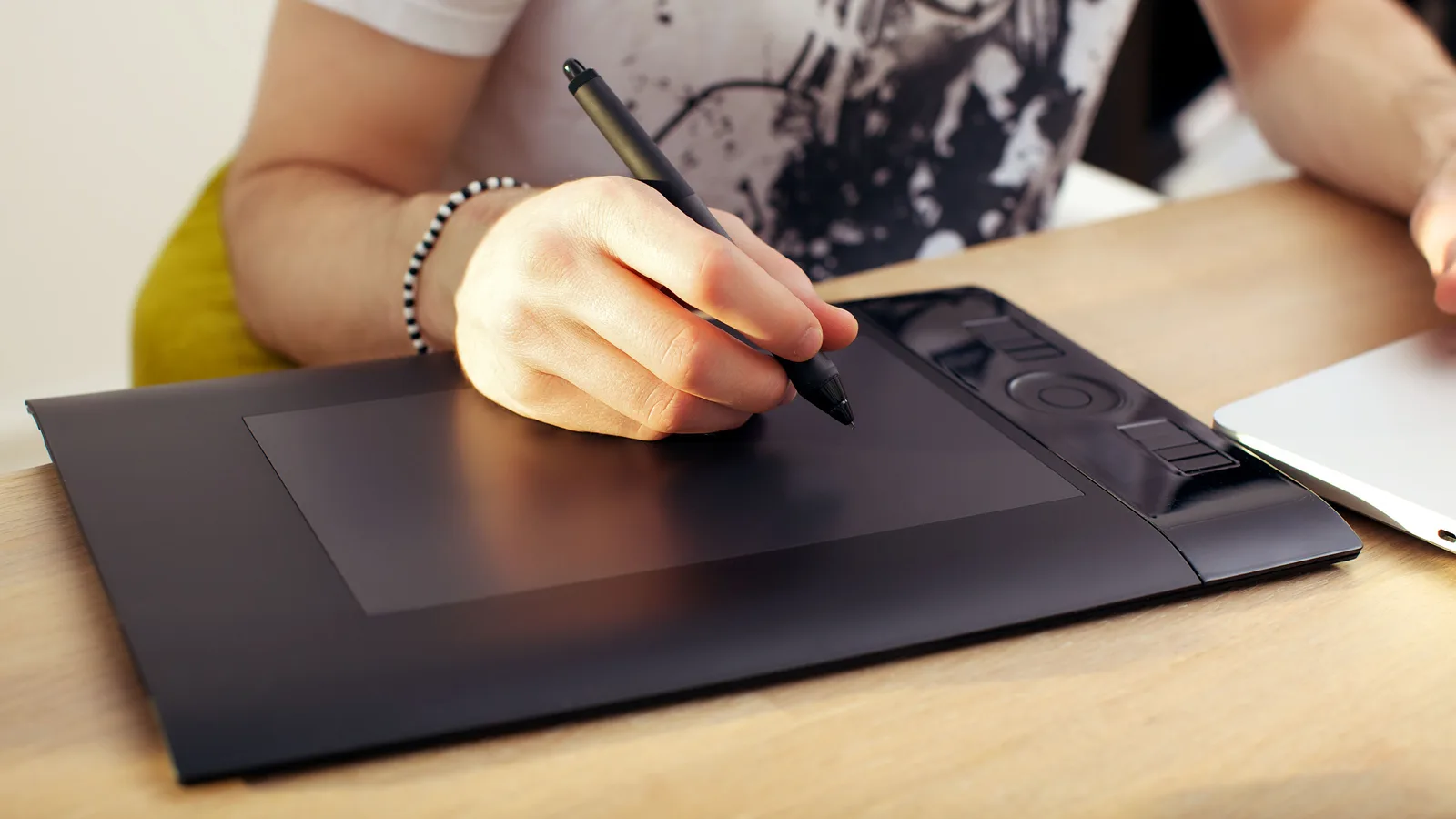
The reMarkable 2 is the more convincing notebook. Its display has a textured surface that gives the Marker nib some resistance, and the software keeps notebooks, layers and templates front and centre. The result is closer to writing on paper than typing on glass.
The Kindle Scribe is no slouch: the pen tracks well, palm rejection works and you can mark up PDFs. But the writing experience feels smoother and less tactile, and the Kindle software still nudges you towards reading.
| Writing | reMarkable 2 | Kindle Scribe |
|---|---|---|
| Writing surface | Textured, paper-like resistance | Smoother glass with a writing film |
| Pen | Marker with 4,096 pressure levels | Pen included; pressure-sensitive and doesn't need charging |
| Notebook tools | Layers, templates and focused notebooks | Notebooks, templates and PDF markup |
| Best for | Daily longhand notes, sketches and journaling | Quick notes and annotating documents |
If you keep a daily journal, take pages of meeting notes or sketch ideas, the reMarkable 2 is the nicer object to use. The Kindle Scribe is perfectly capable for shorter notes, but it is not the tablet you buy purely for the pleasure of handwriting.
Reading and lighting: winner Kindle Scribe
This is the clearest split. The Kindle Scribe is a full Kindle: you can buy and read Kindle books, adjust the font and read in the dark thanks to the front light. The 300 ppi screen also makes small text look crisp. The reMarkable 2 has no front light at all, so you need a lamp or daylight, and it cannot open Kindle books. It can display PDFs and EPUBs you send to it, which is useful for work documents but not a substitute for a book shop.
| Reading | reMarkable 2 | Kindle Scribe |
|---|---|---|
| Kindle library | No | Yes |
| Front light | No | Adjustable warm light |
| Screen sharpness | 226 ppi | 300 ppi |
| Reading in bed | Needs an external light | Built-in light |
| Document markup | PDF markup; EPUB reading | PDFs and some Kindle books, depending on software |
Focus, apps and ecosystem: a split decision
Neither tablet is a general-purpose computer. You will not find a web browser or an app store on either. That is the point.
The reMarkable 2 wins on focus: it is a closed writing environment with cloud sync and desktop apps for getting files on and off. The Kindle Scribe wins on book ecosystem: your Kindle library, highlights and purchases are already there, and Send to Kindle makes it easy to load documents. If you want a machine that does one job without temptation, reMarkable has the edge. If your books live in Amazon's store, Kindle Scribe is the more joined-up choice.
Battery, portability and daily carry: winner reMarkable 2
The reMarkable 2 is 4.7 mm thick and about 404 g, so it slips into a bag like a thin hardback. The Kindle Scribe is thicker and around 433 g, and its front light adds a little more to the daily battery drain. Both last weeks between charges in normal note-taking use, but the reMarkable 2 has the edge if you carry a tablet every day and hate bulk.
| Portability | reMarkable 2 | Kindle Scribe |
|---|---|---|
| Thickness | 4.7 mm | Thicker chassis |
| Weight | About 404 g | About 433 g |
| Battery | Up to two weeks | Weeks of use; front light affects runtime |
| Charging | USB-C | USB-C |
| In a bag | Very slim; a folio adds some bulk | More substantial, but still bag-friendly |
Who should choose the reMarkable 2?
Choose the reMarkable 2 if handwriting is the reason you are buying an e-ink tablet. It suits people who take longhand notes in meetings, journal, sketch ideas or work through PDFs with a pen. It is also the better pick if you are easily distracted and want a device that cannot open a browser or a social app. It is not the right choice if you read Kindle books, often read in bed or want the sharpest possible screen for small text.
reMarkable 2 strengths
- Paper-like writing feel that encourages longhand notes
- Very thin and light for a 10-inch tablet
- Distraction-free software with no app store or browser
- Weeks of battery life and USB-C charging
reMarkable 2 trade-offs
- No front light, so you need external light
- No Kindle store or Kindle book support
- Marker and folio are extra unless you buy a bundle
- Limited apps and integrations
Who should choose the Kindle Scribe?
Choose the Kindle Scribe if you want a Kindle first and a notebook second. It is the better fit for readers who want a large-screen Kindle for books and PDFs, then want to jot notes in the margin or keep a handwritten notebook. The front light makes it the only one of the two that works in a dark bedroom, and the pen is included with current models. It is less appealing if you mainly write and care about the resistance of paper under the nib.
Kindle Scribe strengths
- Front light with adjustable warm tone
- Sharp 300 ppi screen for books and documents
- Kindle library and Send to Kindle built in
- Stylus included with current models
Kindle Scribe trade-offs
- Writing feel is less paper-like than reMarkable 2
- No app store or web browser
- Thicker and heavier than the reMarkable 2
- Best experience is tied to Amazon's ecosystem
Final verdict: which should you buy?
For most people, the Kindle Scribe is the better all-round buy. It does the reading job properly, works in low light and still gives you a pen for notes and PDF markup. The reMarkable 2 is the better writing tablet, and if that is all you need, it is the one to get.
Buy the Kindle Scribe if you want one device for books and notes. Buy the reMarkable 2 if you want a dedicated digital notebook and can live without a front light.
Frequently asked questions
Can the reMarkable 2 read Kindle books?
No. It does not support the Kindle store or Kindle DRM books. You can send PDFs and EPUBs you already own, but you cannot buy or sync Kindle titles.
Do either of these tablets have a colour screen?
No. Both use monochrome E Ink displays, which are designed for text and handwriting rather than colour comics or magazines.
Does the Kindle Scribe pen need charging?
No. The included pen uses EMR technology and draws power from the tablet. The reMarkable Marker also does not need charging.
Which is better for annotating PDFs?
Both can write on PDFs. The Kindle Scribe adds a larger, sharper screen and a front light, while the reMarkable 2 offers a more tactile pen and a simpler file workflow. If you annotate in bed, choose the Scribe.
Can you write notes in Kindle books on the Scribe?
On newer Kindle Scribe software you can write in some Kindle books, but support varies by title. PDFs remain the safer bet for handwritten markup.